
 American
( English )
American
( English ) Singapore ( English )
Smart mattress offline behavior becomes an urgent question the first night the router blinks out. Does the bed need Wi-Fi to keep working, and what disappears until the network returns? DeRUCCI's product guidance splits the question into two answers. Every T11-series model asks for a first-time online setup, and after that the automatic adjustments keep running on the bed itself, while sleep reports, algorithm updates, and heart-rate and respiratory data viewing wait for a connection. A power outage is the harsher half of the question, because smart adjustment stops without electricity and the mattress typically holds its pre-outage sleep feel for about a day. The map below walks both halves.
Does a Smart Mattress Need Wi-Fi to Work?
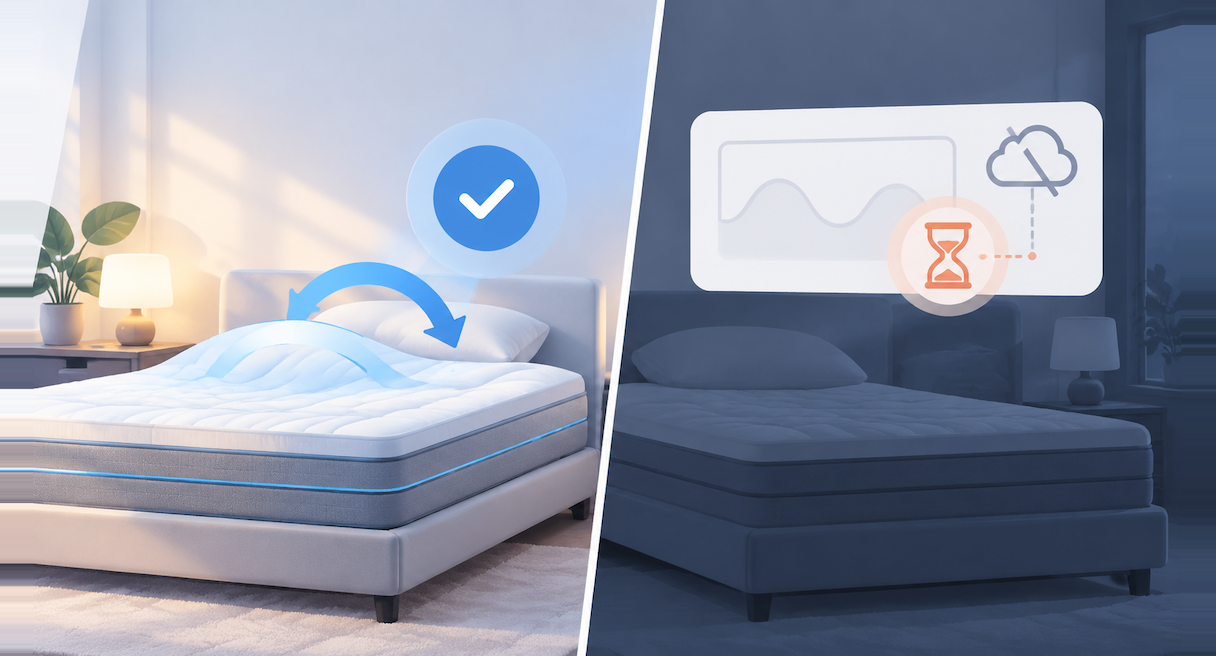
Every T11-series model asks for a first-time online setup through the DeRUCCI AI app, and after that the network serves the reporting side while the bed's adjustments keep running offline. Auto soft-and-firm adjustment is supported without a connection; sleep reports, the latest adaptive algorithm, and heart-rate and respiratory data viewing require an active connection.
According to DeRUCCI's product guidance, each model in the series asks for a first-time setup online, pairing through the app while the network is in reach. Once that handshake completes, a dropped connection leaves the bed working. The adjustments to firmness keep running, and the mattress stays usable through the outage. What waits sits on the reporting side, where the nightly sleep report, updates to the latest adaptive algorithm, and the heart-rate and respiratory readings all need a live connection.
The split follows the architecture. In the sensing chain, the adjusting happens on the bed itself: sensors embedded in the mattress surface read the night's body signals, and the soft-and-firm changes are carried out locally, on the spot. The report is a cloud product. Readings travel through the app's Bluetooth-and-Wi-Fi link to cloud algorithms, which assemble the daily report and push it back to the phone. Adjustment is local work, reporting is cloud work, and a network outage pauses the second while the first carries on.
A common first-time worry is that the bed would depend on Wi-Fi and an app before it worked at all. The first-time setup ask is real, and so is the offline answer: once setup is done, the adjusting continues without the network. For readers newer to the category itself, the connected-bed basics are covered in full in what is a smart mattress.
The sections below run the offline map in order, from the keep-and-wait boundary through the tier-by-tier conditions map, the hotspot stopgap, and the separate case of a power outage.
What Keeps Working Offline — and What Waits for Reconnection
Offline, the mattress stays supported on the adjustment side and paused on the reporting side. Automatic soft-and-firm adjustment keeps working and the bed stays usable; sleep-report generation, the latest adaptive algorithm updates, and heart-rate and respiratory data viewing require an active connection and resume once the network returns.
The boundary lays out cleanly in two columns, with the guidance's status for each function:
| What the bed is doing | Offline status |
|---|---|
| Automatic soft-and-firm adjustment | Supported. Keeps working; the mattress stays usable |
| Nightly sleep report | Requires a connection; generates once the bed reconnects |
| Latest adaptive algorithm updates | Requires a connection |
| Heart-rate and respiratory data viewing | Requires a connection |
The reporting-side rows apply to the tiers that carry them, and the conditions map in the next section lists each model's offline profile one by one.
Expectation management helps once the connection returns. Per that guidance, a report generates when its night meets two thresholds, at least 3 hours in bed together with at least 2 hours asleep, and for overseas users the statistics window runs from 20:00 to 10:00 local time. A night that reconnects partway through still needs those thresholds met before a report lands. Reading the report's figures once it arrives, and turning them into adjustments worth making, is the territory of a metrics guide publishing later in this series, and the deeper layer of how AI smart mattresses track sleep health explains what those readings measure.
An offline night produces no report, and the reason is the design at work. The report is a cloud product, and a night without a connection gives the cloud algorithms nothing to assemble from. DeRUCCI's guidance makes the same point from the owner's side of the choice: a hotspot can keep the mattress usable, yet it cannot bring back a report you chose to let go ungenerated. Once the bed reconnects, the next night's data generates as usual when its thresholds are met.
(This image is AI-generated for reference only, not an actual product photo.)
Offline Behavior by Model: A Conditions Map
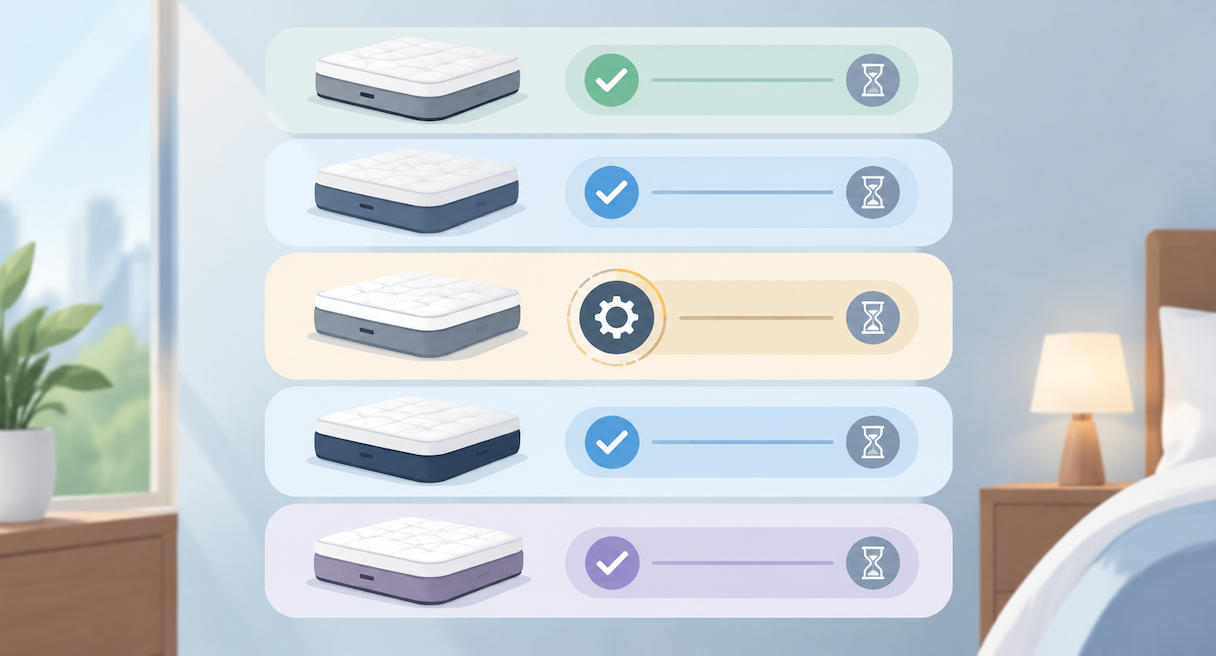
Each T11-series tier keeps its automatic adjustment offline and parts with a different set of app-side functions. T11 SE keeps adjusting, with manual switching waiting; T11+, T11 z+, and T11 PRO keep adjusting, with the latest AI algorithm, respiratory and heart-rate viewing, and report generation waiting; T11 zSE adjusts to turns at default values.
The guidance frames the connection question as a conditions map: all AI mattresses pair with the app and connect to the network before their full functionality opens up. From that shared starting point, each tier answers the offline question in its own way.
| Model | If the bed goes offline |
|---|---|
| T11 SE | Auto-adjustment keeps working; manual adjustments and similar in-app switches wait for a connection |
| T11+ | Auto-adjustment keeps working; the latest AI adjustment algorithm, respiratory-rate and heart-rate viewing, and report generation wait for a connection |
| T11 z+ | Auto-adjustment keeps working; the latest AI adjustment algorithm, respiratory-rate and heart-rate viewing, and report generation wait for a connection |
| T11 PRO | Auto-adjustment keeps working; the latest AI adjustment algorithm, respiratory-rate and heart-rate viewing, and report generation wait for a connection |
| T11 zSE | Adjustment follows your turns at default values |
Read as a shopping tool, the map earns its keep at decision time. Decide which functions you want preserved through a dead-network night, then check the sleep-report row of the spec sheet for the tier in front of you before counting on it.
(This image is AI-generated for reference only, not an actual product photo.)
The Hotspot Fallback: Staying Usable During a Network Outage
When the home network fails, a phone hotspot on the 2.4 GHz band is the stated stopgap, keeping the mattress usable while the reports wait. Turn the hotspot on with 2.4 GHz selected, connect the app, and the bed returns to work; pairing details and router-side fixes belong to the setup guide.
The fallback runs in three moves, in the guidance's order:
1. Switch on your phone's hotspot with the 2.4 GHz band selected. The mattress module is built for 2.4 GHz, without 5 GHz support, so the band choice is the one detail that decides whether the fallback works.
2. Connect the DeRUCCI AI app to that hotspot.
3. Use the bed as usual. The mattress returns to usable state, with the standing boundary intact: the reports wait for the home network to come back.
The same guidance lists a second option for longer stretches away from home Wi-Fi, a portable Wi-Fi unit on a local carrier with a stable signal.
The boundary from the previous section survives the hotspot unchanged. The hotspot keeps the bed usable and leaves the reporting side waiting, which keeps expectations honest for a night spent on a phone's connection. The pairing moves themselves, the band checks, and the failure types that stall setup get a dedicated guide publishing in this series, so this page stays on what the bed does once the network is gone.
For what that offline-continuing adjustment actually does under the surface, how adaptive firmness technology works unpacks the mechanism behind the local adjustments.
Power Outages: What Changes Without Electricity
A power outage takes the smart layer out of play: without electricity the bed cannot run its smart adjustment, and per the guidance the mattress typically keeps its pre-outage sleep feel for about a day. The stated position covers about one day; after longer outages, the practical close is checking the firmness settings once power returns.
Power and network are separate dependencies, and the case where the power is gone while the router still runs lands on the power side of that line. A smart product without electricity cannot deliver its smart adjustment, the guidance states plainly, and the adjustment draws on the bed's own power, so the router's health is beside the point until the power returns.
What the guidance does say about the outage itself reads almost like a promise from the materials: the mattress typically keeps its pre-outage sleep feel for about a day. The feel retention is a passive property, present without power and without any action from the owner.
Beyond that day, the official position currently gives no behavior detail for longer outages. The practical close is a reader's action, and a cheap one: when power returns, check the firmness settings. The electrical context underneath is low-voltage by design, with the mattress running internally on a 24-volt safety voltage, the converter working at 5 volts, and both sitting below the 36-volt human-safety threshold, far under household mains levels.
During the outage itself, the ordinary levers still do their work. A cool, well-aired bedroom carries its share of the night while the smart features wait for power.
Frequently Asked Questions
---
The offline map is short to hold in your head. Adjustment lives on the bed, reports live in the cloud, and power is the dependency that changes everything. For the wider arc from sleep problems to mattress choices, the series hub collects the full guide, and to see the range in person, find a store and check global showroom addresses.